
A Letter to SantaBecomes a Story
A Christmas story with your child’s name,
brought to life through your phone
Watch a sample before you choose a story
Watch Emma’s Christmas story
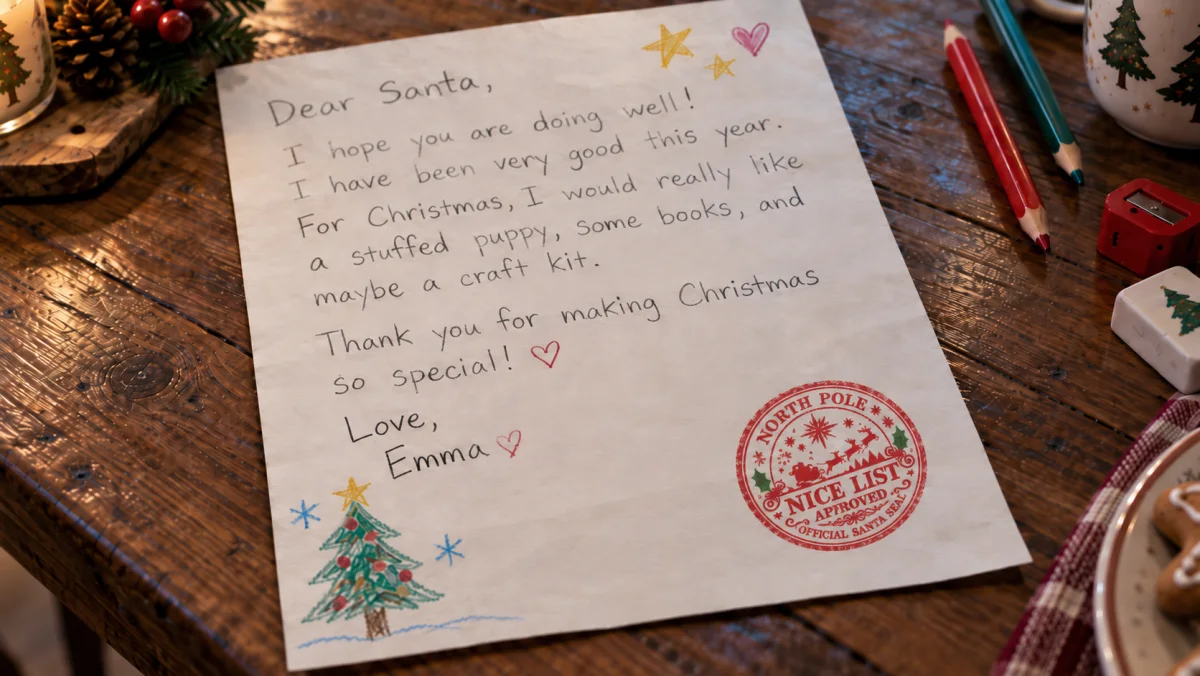
See how Emma’s letter becomes a Christmas story, with Santa, Luno and a place on the Nice List.
The film couldn’t load. Open the film
A story made personal
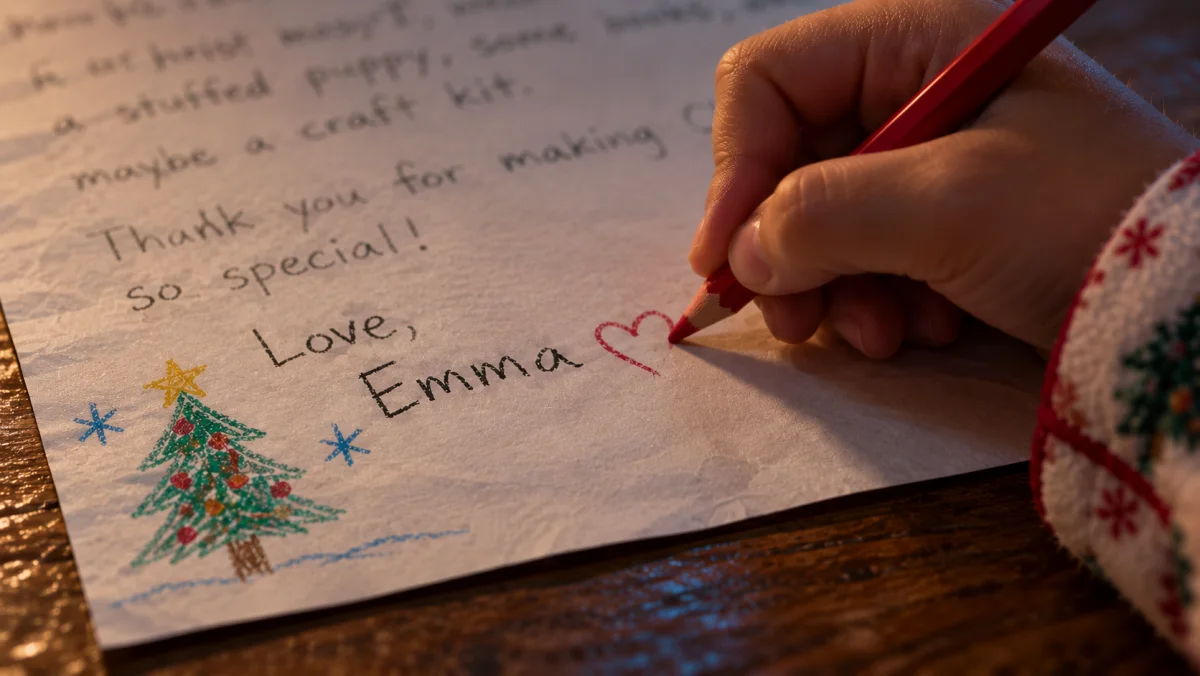
Santa says your child’s name and celebrates a moment that made your child proud. A little detail from you becomes part of the story.
A place on the Nice List
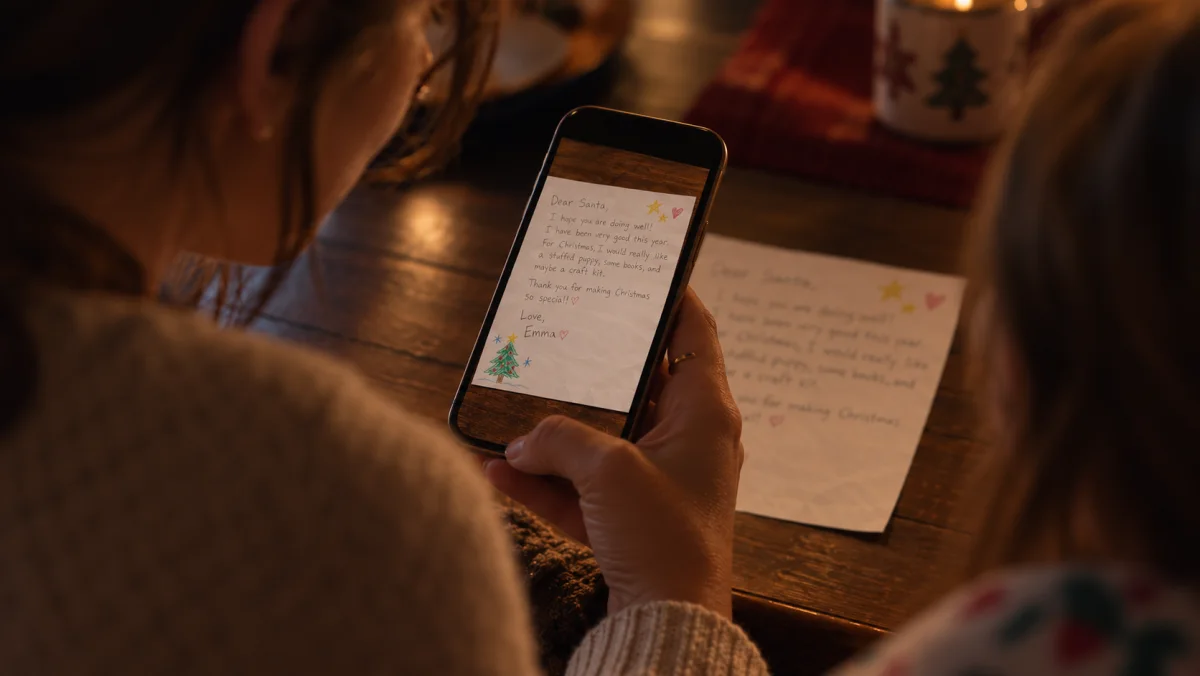
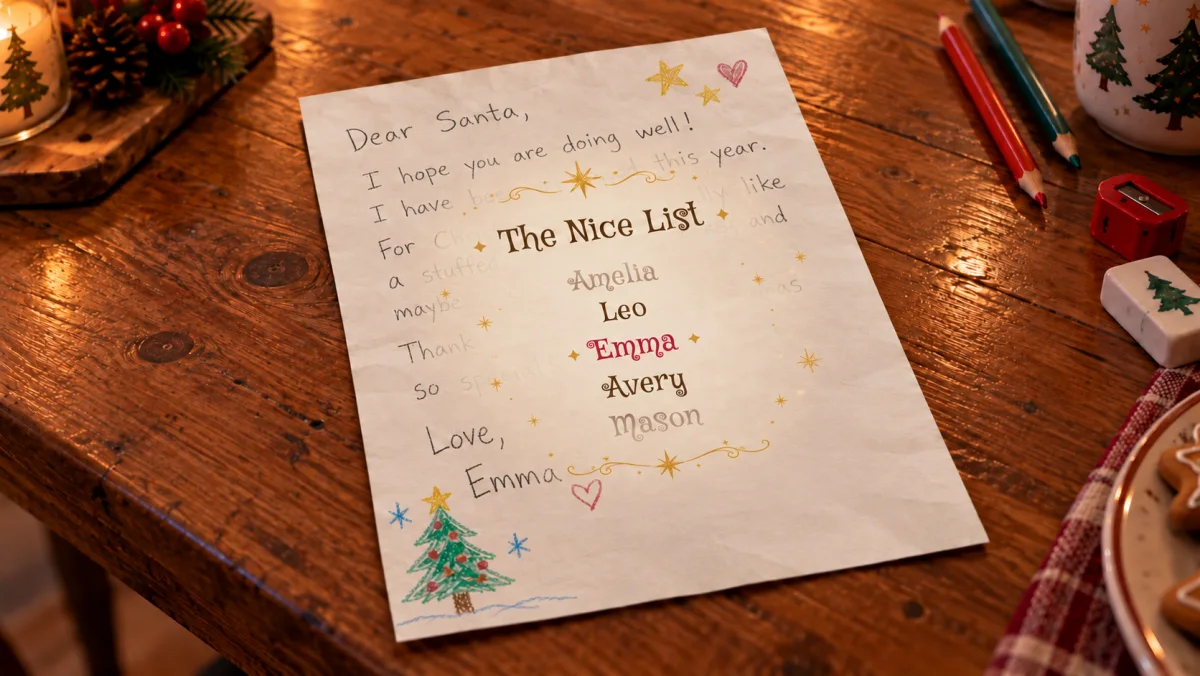
Watch through your phone as Luno finds your child’s name on the Nice List, just above the letter on your table.
Santa makes it official
Santa adds his North Pole seal of approval to your child’s letter on screen. A special moment to watch together.
An elf friend to keep
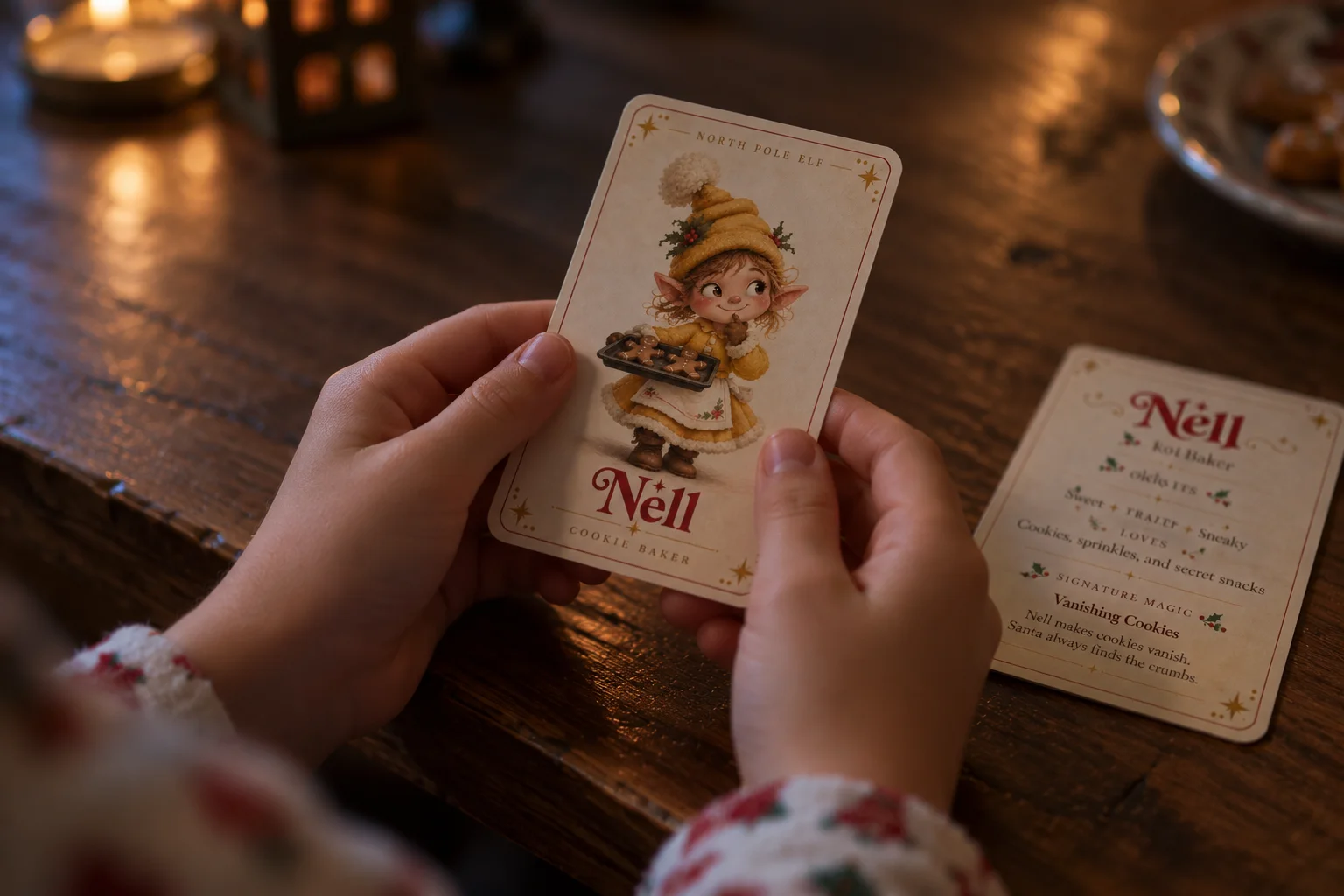
Your child meets a North Pole elf friend in the story. Download the elf’s card to print at home and keep beside the letter.
Choose your Christmas story
Choose your plan at the early-season price. Add your child’s details after purchase, whenever you’re ready.
Already have a story? Open My stories
For the grown-ups
We’re here to helpDo we need to install an app?
No. The story opens in your phone’s browser. You’ll need to allow camera and motion access when asked. You can buy and set up a story on a computer, then scan the QR code to play on your phone.
What do we need?
A phone with a camera, an internet connection, and an ordinary sheet of paper. Turn the sound on, place the letter on a contrasting surface, and keep all four corners in view.
You can explore the website on desktop too. We recommend a phone for bringing the letter to life.
What makes the story personal?
You add your child’s first name and choose the wording Santa and Luno use to talk about your child. You can also add a proud moment, such as learning to ride a bike. Santa says your child’s name, celebrates that moment if you added one, and Luno finds your child’s name on the Nice List.
Does Santa read my child’s handwritten letter?
No. The camera finds the sheet of paper so the story can appear around it on screen. Santa’s words come from the details you add during setup, not the handwriting. A blank sheet works too.
Is the elf card included?
Yes. Each personalized story includes an elf friend and a keepsake card to print at home. Once the story is ready, choose Download elf card in My stories. You’ll receive a ZIP file with two images: the front and back of the card. No physical card is sent.
Is the stamp printed on the paper?
The Nice List stamp appears over the letter through your phone’s screen. It is a digital part of the story; it does not change the paper itself.
Can we enjoy it again?
Yes. Replay the same personalized story as often as you like while your purchased access is active. Open My stories in your account to play it again.
Can I buy for more than one child?
Yes. Choose a plan with enough personalized stories for your family. The plans above show how many are included. After purchase, set up a separate story for each child from My stories. Each story has its own details and can be replayed.
What happens after I buy?
Open My stories to add your child’s details. You can save and edit the draft before choosing Confirm and prepare. We then prepare the personalized audio. You can leave the page and return to My stories to check when it’s ready.
Set up and try the story yourself before sharing it with your child, so you’re ready for the moment together.
Can I change the details later?
You can edit a draft before choosing Confirm and prepare. After that, the story uses one of the stories in your plan and its details are fixed. Contact Support if you need a correction. Replaying keeps the same details, and deleting a prepared story does not give you another story to personalize.
How are my child’s details handled?
We ask for your child’s first name, the wording used in the story and an optional proud moment. We don’t ask for a date of birth, and your child doesn’t need an account. Camera images stay in your browser and are not stored or uploaded.
The details you enter are used to prepare personalized text and audio with our service providers. You can delete your child’s story details, generated audio and history from your account. Deleting a prepared story does not give you another story to personalize. Read our privacy policy.
What if I need help or a refund?
Visit Support if you need a hand. You may request a refund within 14 days of purchase before the personalized experience is first prepared or started. Later requests are reviewed by support case by case. Read the refund policy.